Security Log View System

  • Category: Web development.
  • Backend: Laravel (PHP 8+)
  • Database: MySQL
  • Frontend: Chart.js, JavaScript
  • Tools: Composer, Node.js
  • Project URL: github/Security Log View System
  • Project date: 23 Aug , 2025.

Security Log View System:

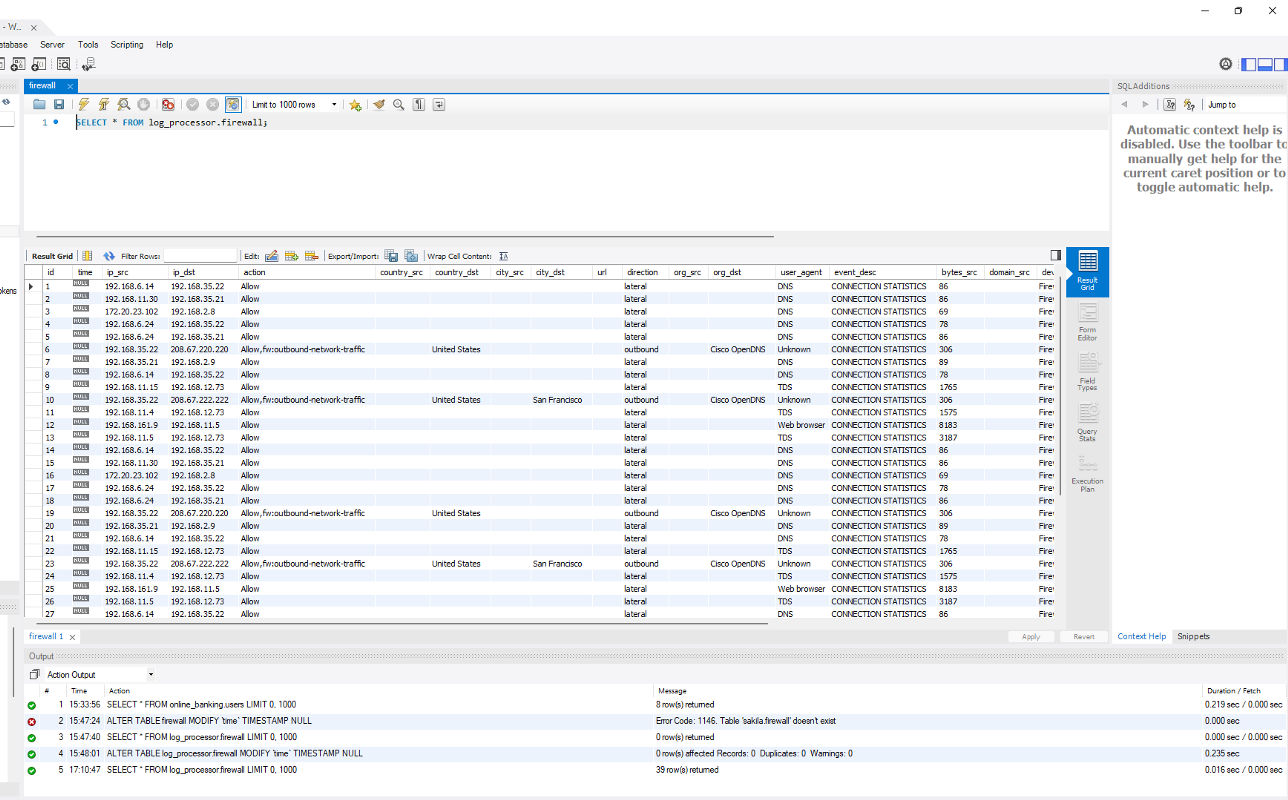
The Security Log View System automates the full log lifecycle for security-related CSV files. it ingests files from configured folders, parses and validates their contents, inserts structured data into a MySQL database, triggers threat detection and email alerts, renders an interactive dashboard for analysts, and archives the original CSVs into a timestamp-based history folder for future auditing.

Overview

The Security Log View System automates the full log lifecycle for security-related CSV files: it ingests files from configured folders, parses and validates their contents, inserts structured data into a MySQL database, triggers threat detection and email alerts, renders an interactive dashboard for analysts, and archives the original CSVs into a timestamp-based history folder for future auditing.

Key Features

  1. Automated CSV Log Processing

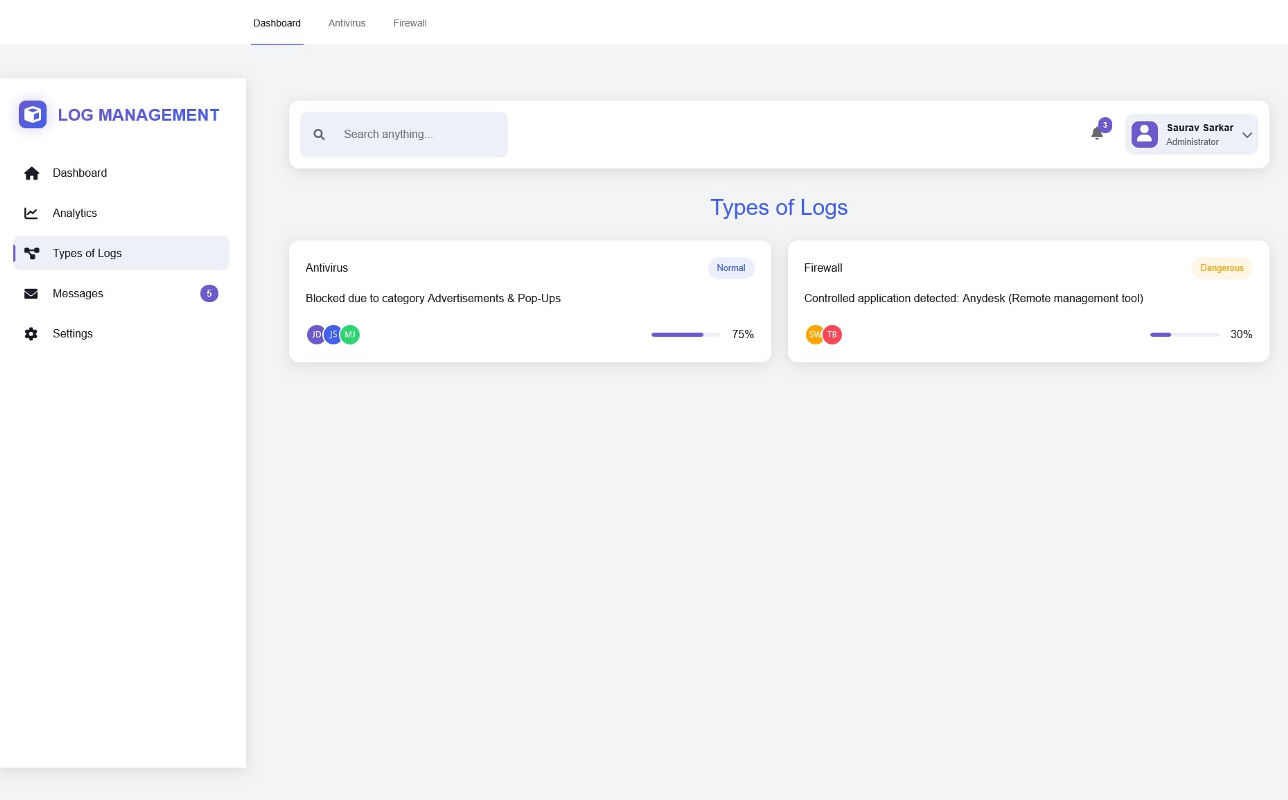
    Continuously scans one or more configured "incoming" folders for new CSV files. Parses and sanitizes CSV rows, validates column headers, and supports multiple log categories (antivirus, firewall, etc.). Dynamically creates database tables based on CSV filenames and supports flexible header mapping.

  2. Historical File Archiving (History Folder)

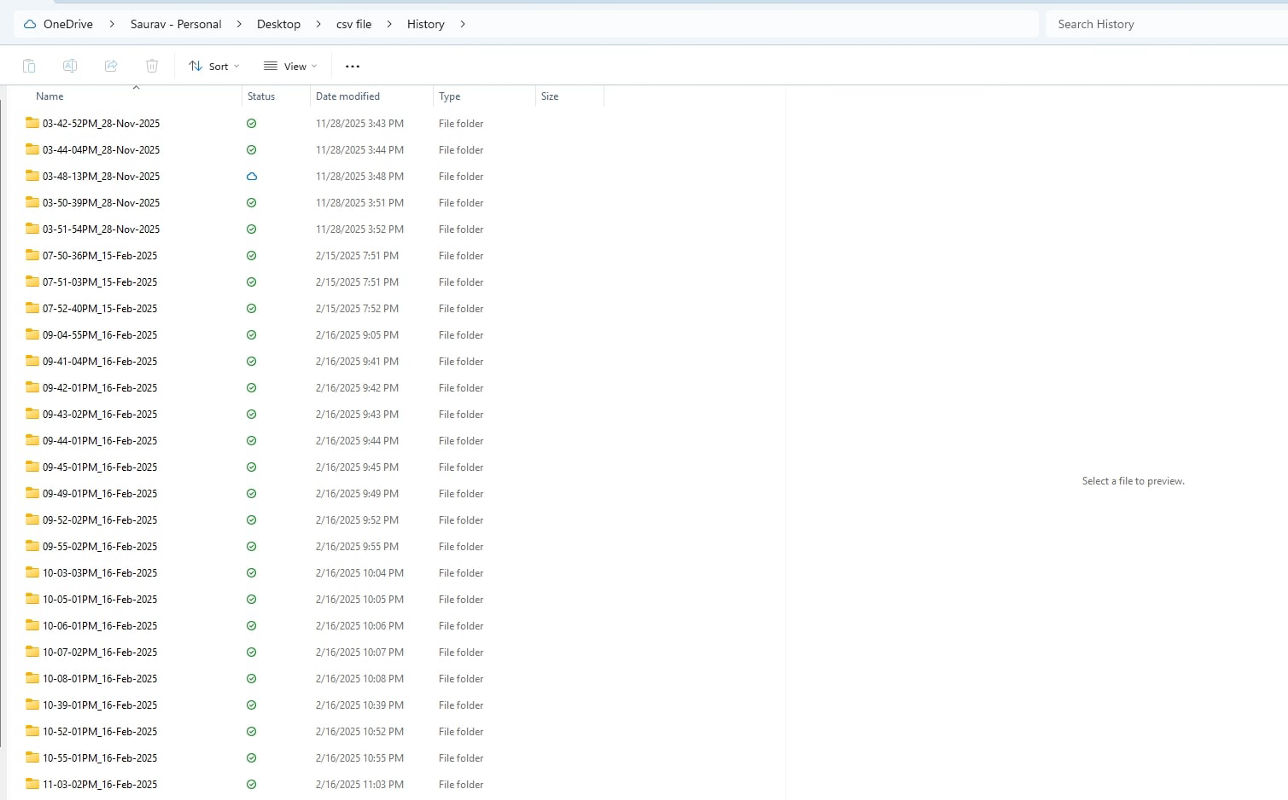
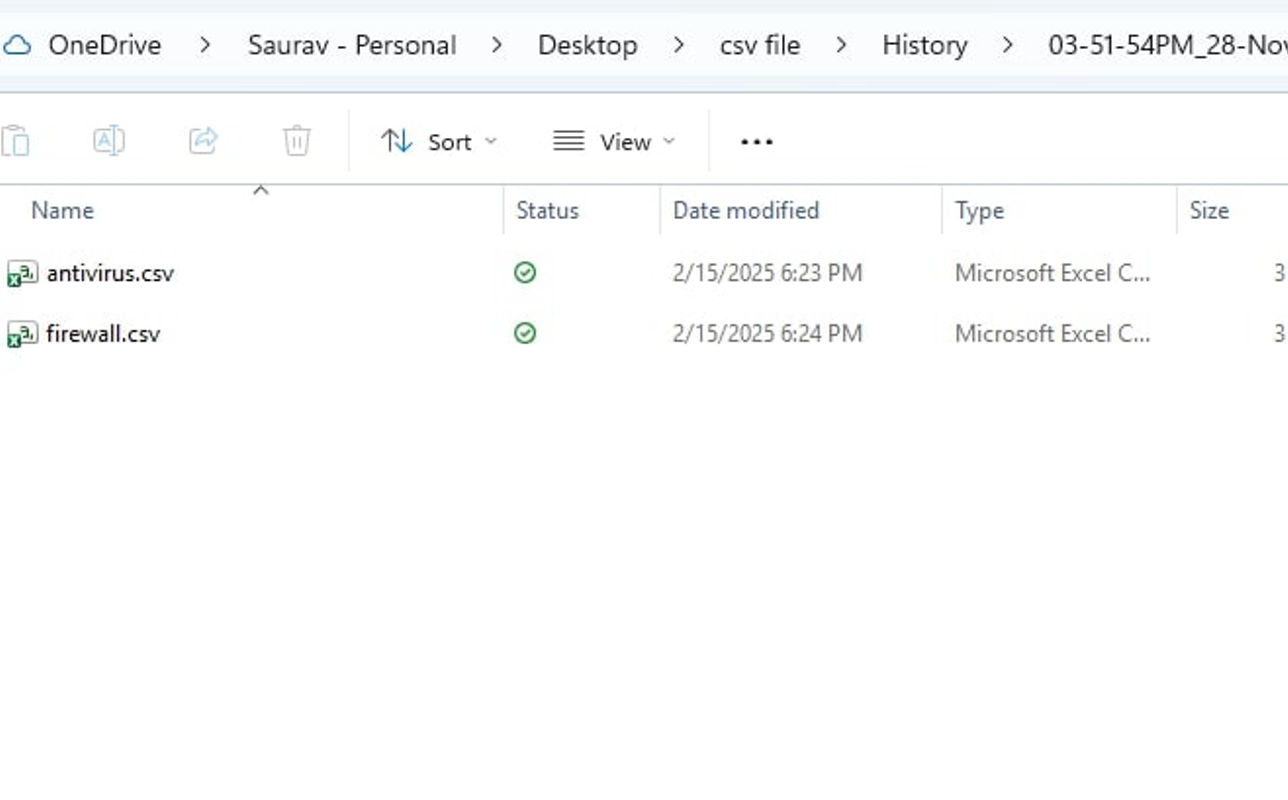
    After successful insertion into the database, each processed CSV file is moved to a /history directory.

    /logs
        /incoming
        /history
            /2025-01-01_10-30-45
                antivirus_20250101.csv
            /2025-01-01_12-15-00
                firewall_20250101.csv
          

    Preserves originals for audits and investigations, prevents duplicates, and ensures full traceability.

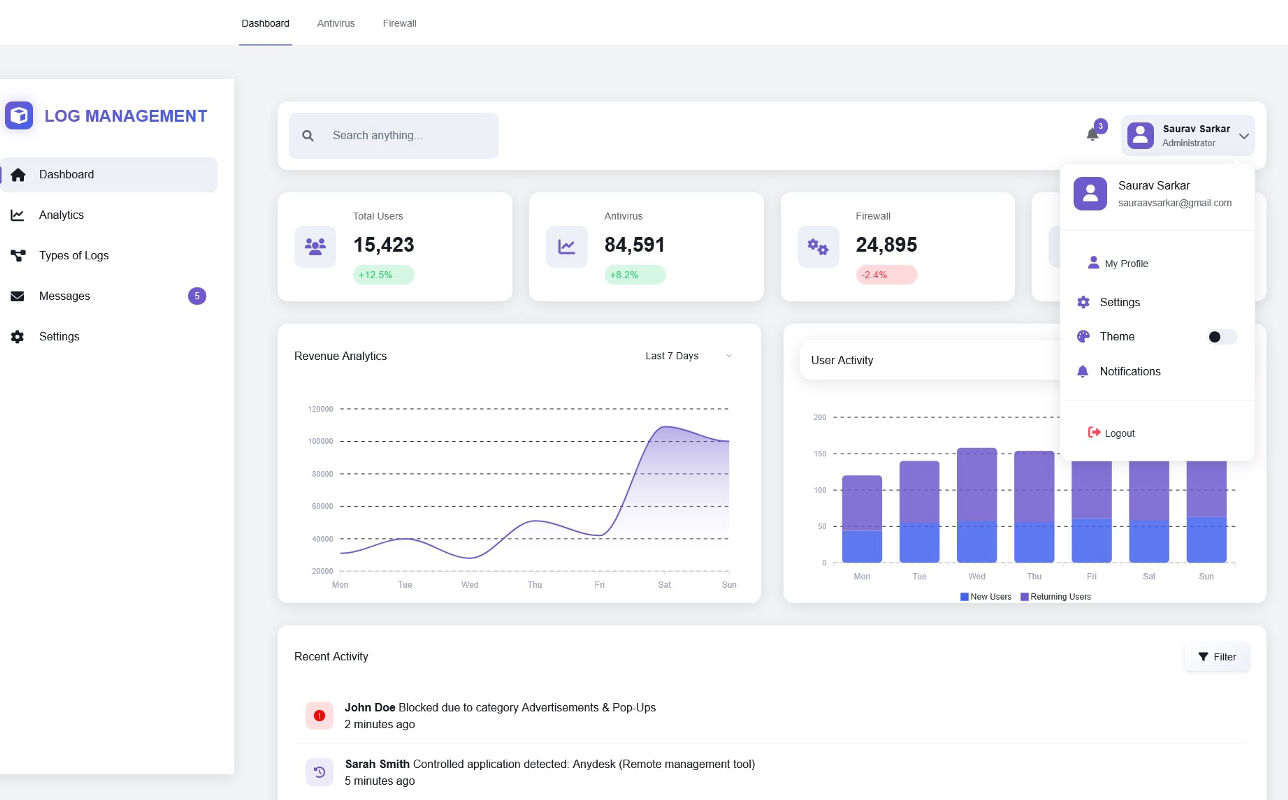
  3. Interactive Dashboard (Chart.js)

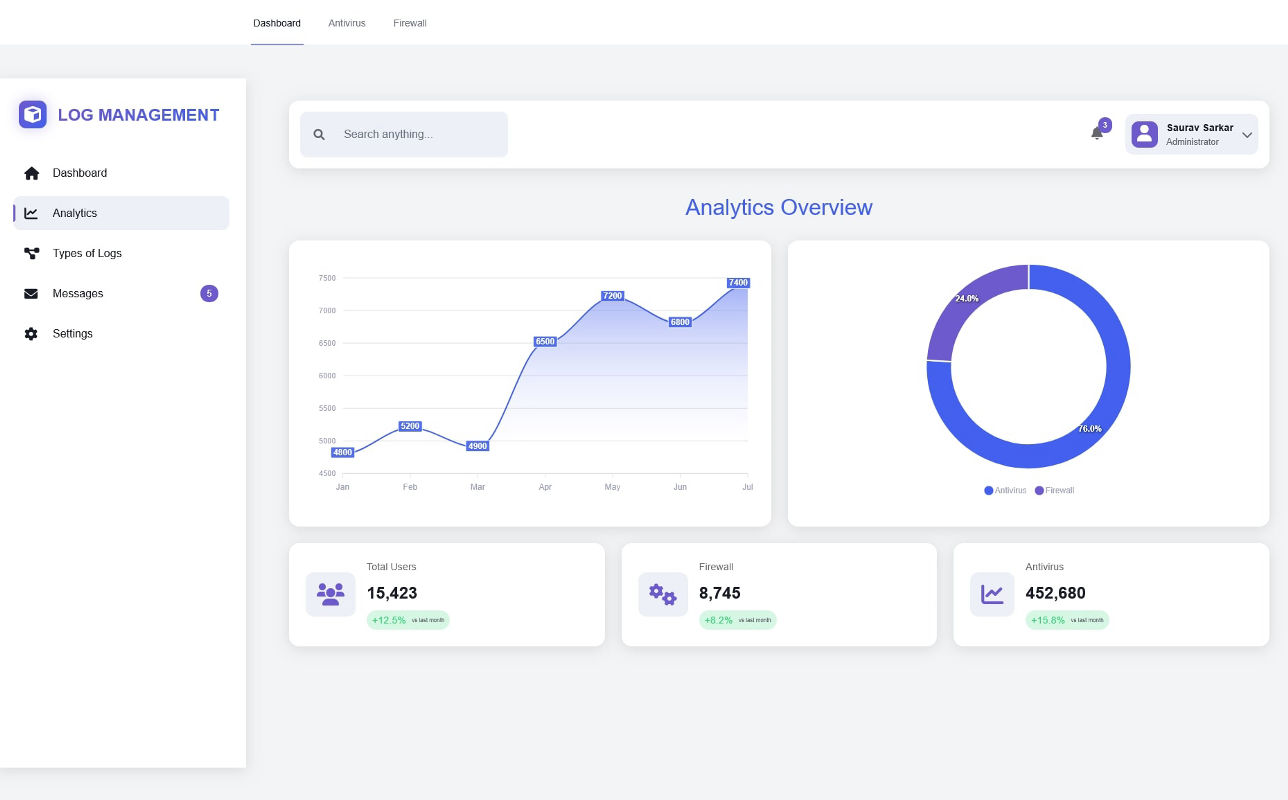
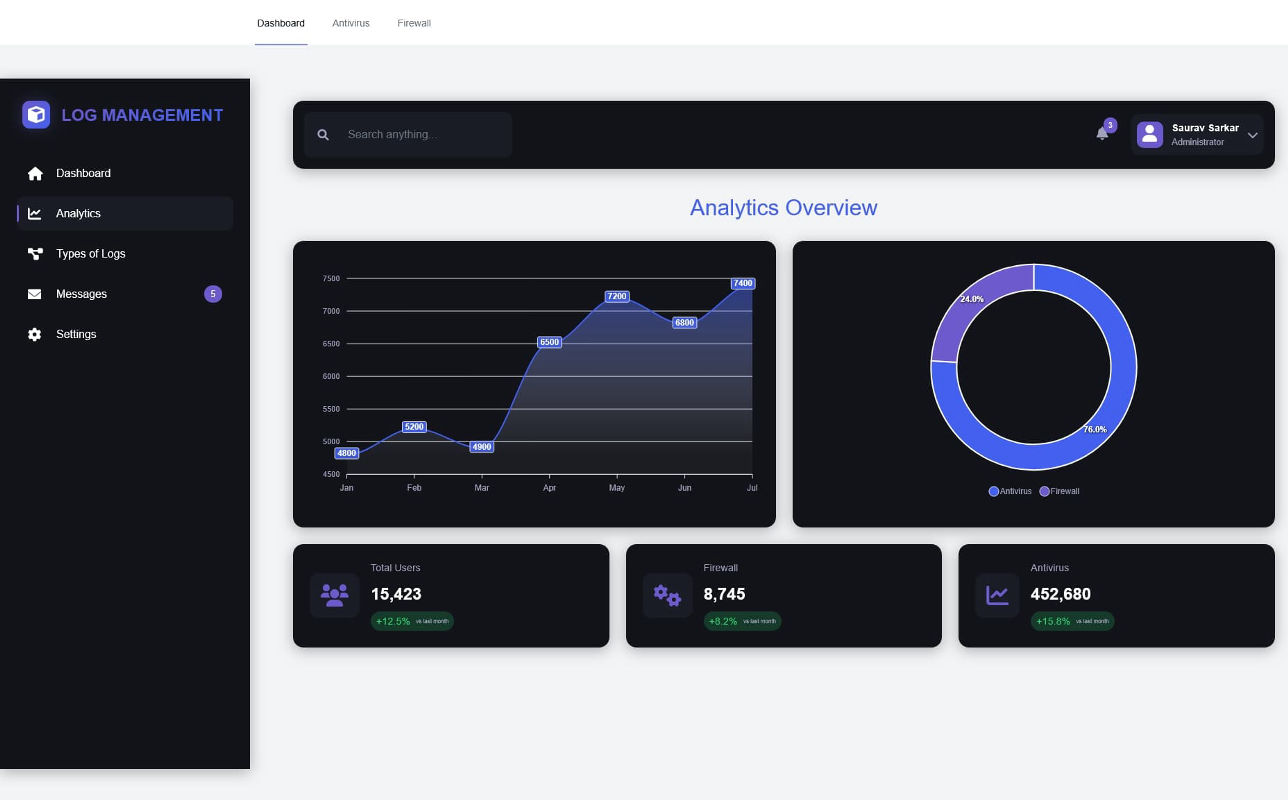
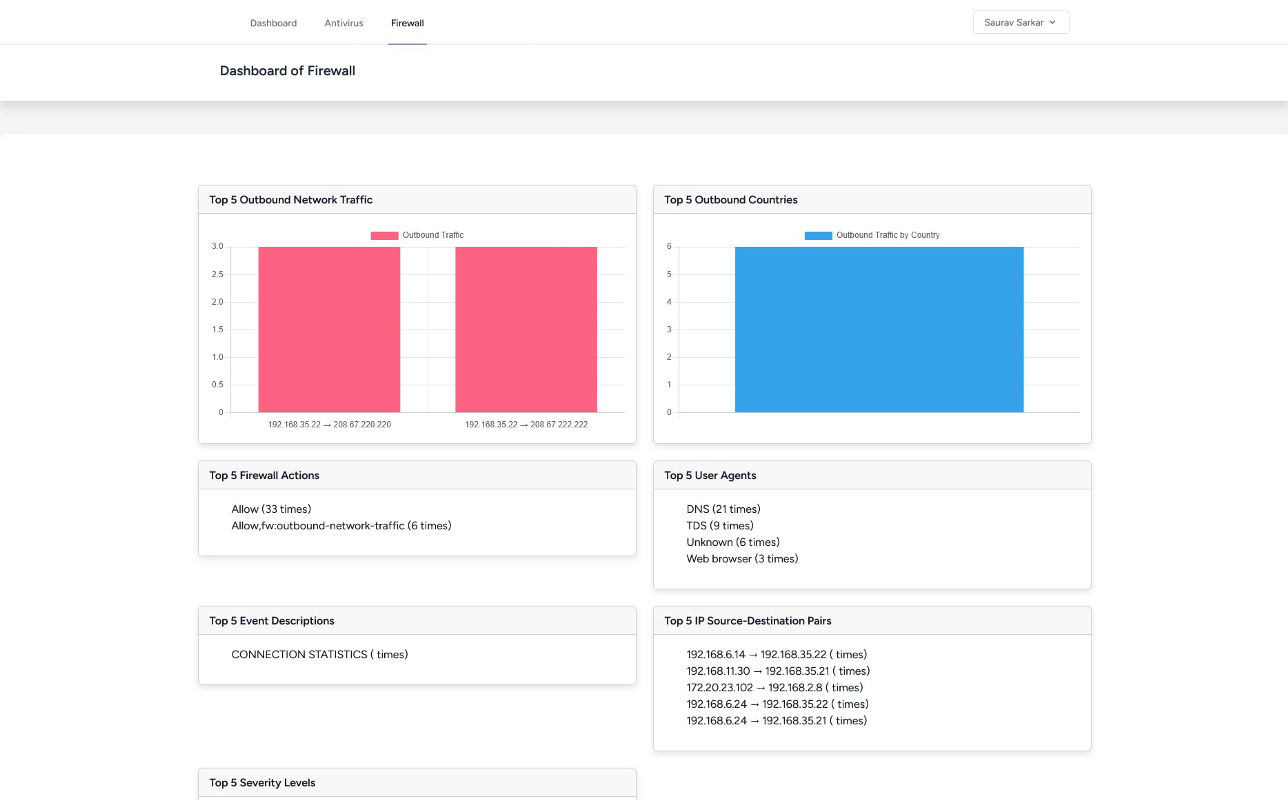
    Real-time visualizations built with Chart.js including: top failed logins, out-of-hours activity, antivirus alerts, high-traffic IPs, and time-based trends. Supports drill-down, exporting, date filters, and auto-refresh.

  4. Threat Detection & Email Alerts

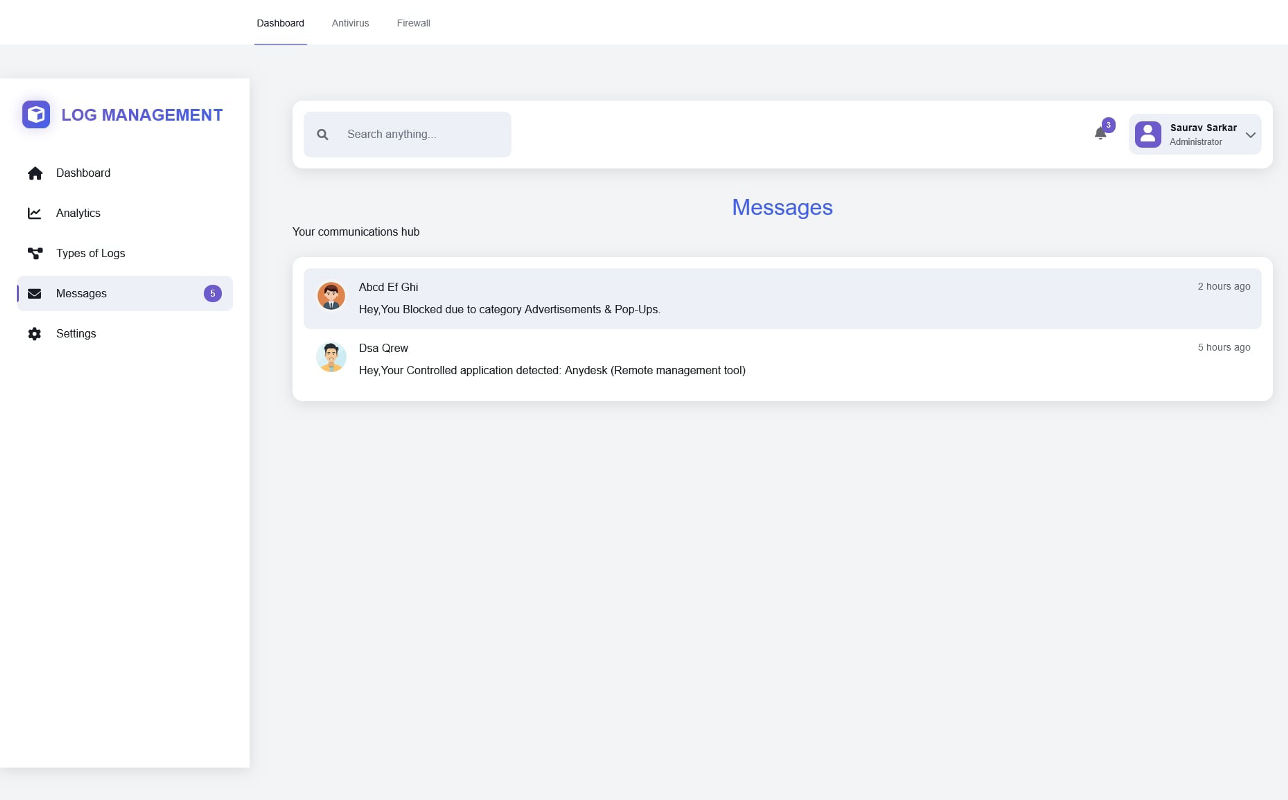
    Rule-based detection for suspicious events, repeated login failures, malware alerts, and more. Configurable thresholds, real-time notifications, and external threat intelligence integration.

  5. Scalability & Flexibility

    Dynamic table creation, flexible vendor support, SIEM integration, S3-compatible storage support, and expandable architecture for new log sources like proxy, VPN, or DB logs.

Installation & Requirements

  • PHP ≥ 8.0 with required extensions (pdo_mysql, mbstring, etc.)
  • Composer for dependency installation
  • MySQL database with create/insert/update permissions
  • Node.js & npm (or Yarn) for frontend asset building
  • Writable permissions for incoming and history folders
  • Optional: SMTP credentials for email alerts

Usage & Operation

  1. Place CSV files into the /logs/incoming folder.
  2. The Laravel command parses, validates, and inserts them into MySQL.
  3. Processed CSVs move to /logs/history/<timestamp> automatically.
  4. The dashboard visualizes aggregated data in real time.
  5. Detection rules trigger automated email alerts when needed.

Purpose & Impact

This system transforms raw log files into centralized, actionable security intelligence. It reduces manual workload, accelerates threat detection, and creates a clean audit trail for compliance. Ideal for SOC teams, IT operations, and cybersecurity-focused engineering groups.